
pCapitan
The network, explained. Open any capture and see who was there, what every application did, and which risks matter, with the evidence for every answer.
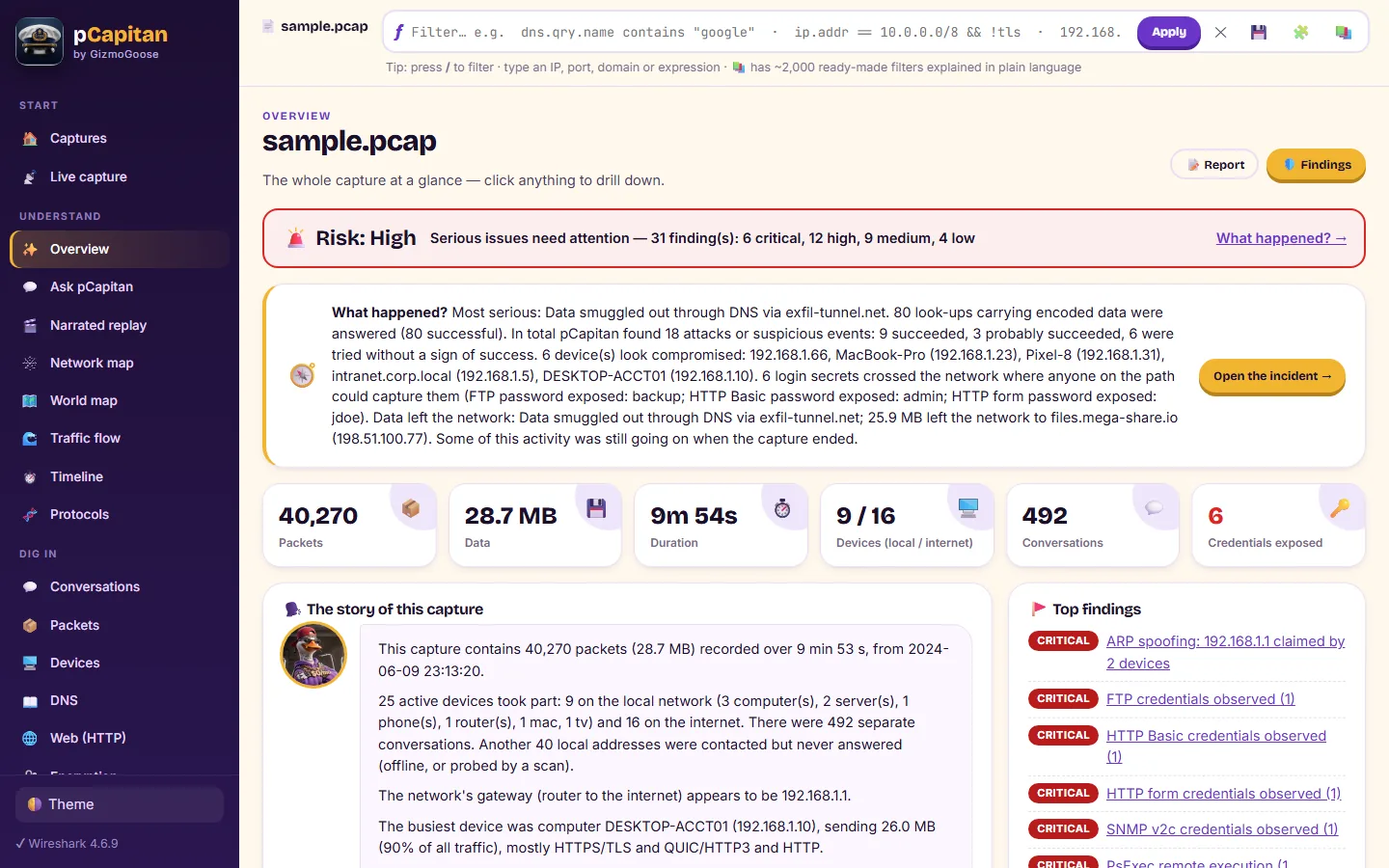
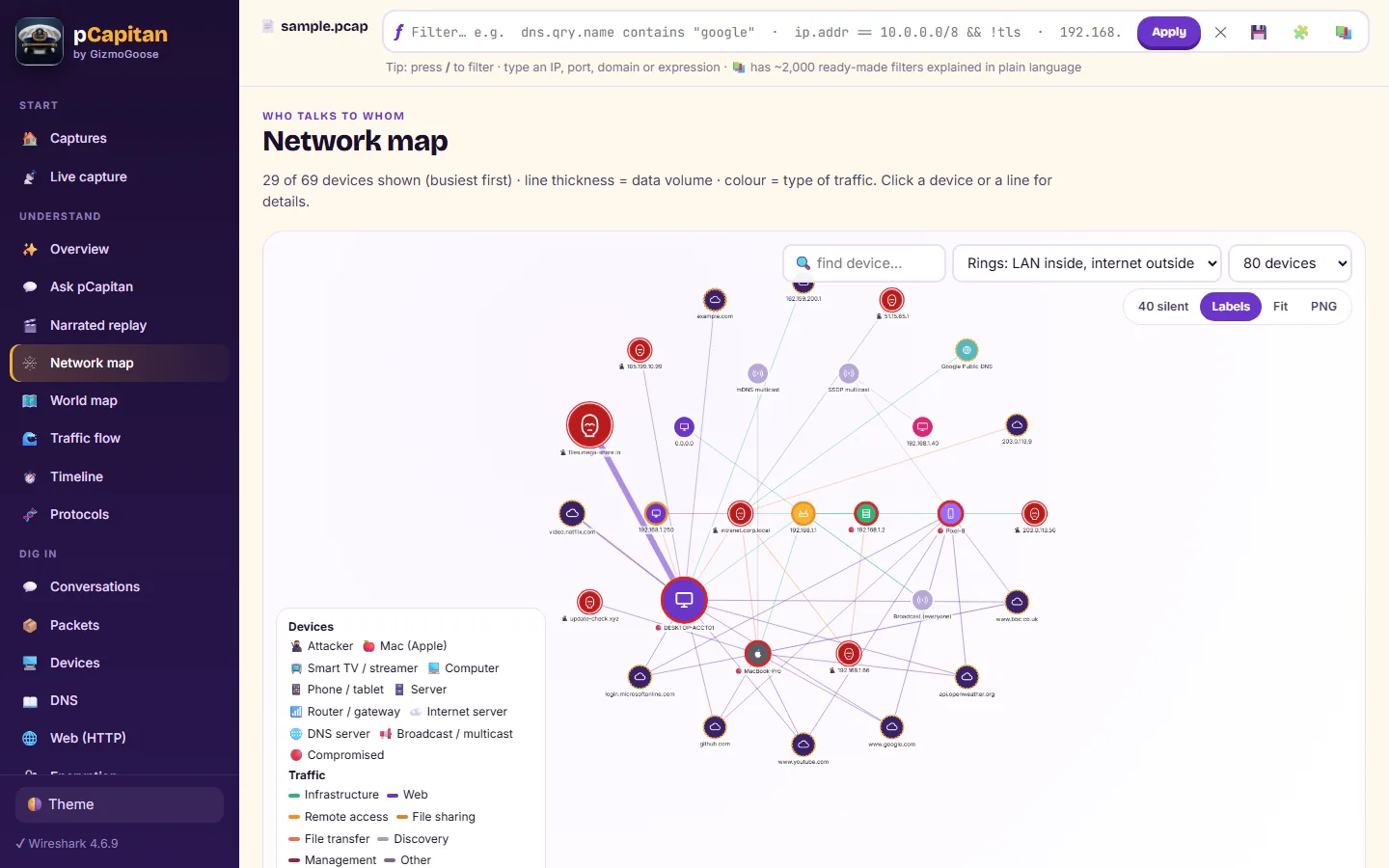
pCapitan turns a network capture into answers. Open a capture file, or listen live, and it shows who was on the network, which applications they used, where the traffic went and what was risky, in pictures and plain language, with the evidence behind every statement.
Its own deep packet inspection engine recognises about 1,400 applications, even when the traffic is encrypted, and says how it knows. Hidden payloads are decoded, command channels that try to blend in are scored, encrypted sessions are read from their rhythm, and industrial commands are understood.
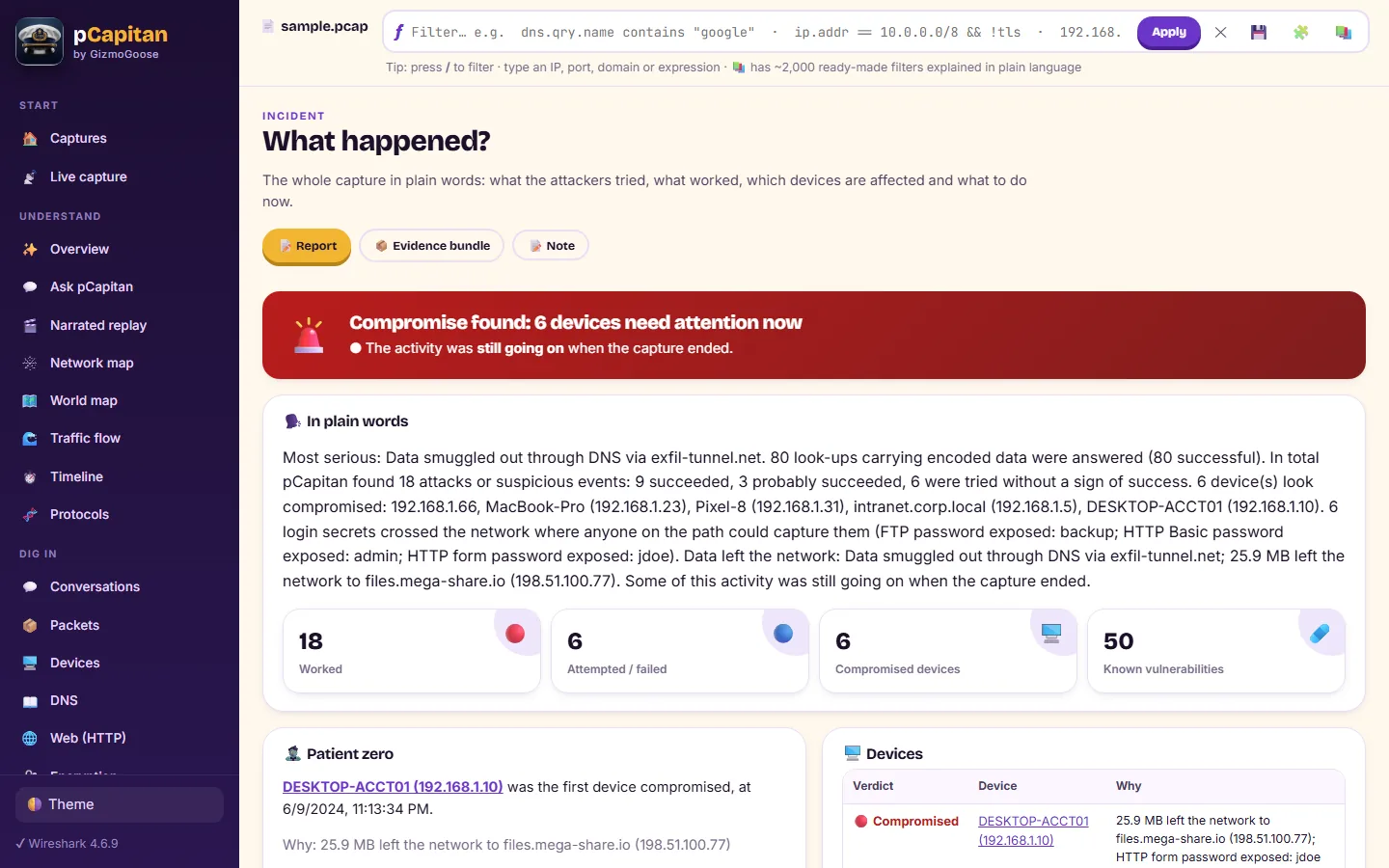
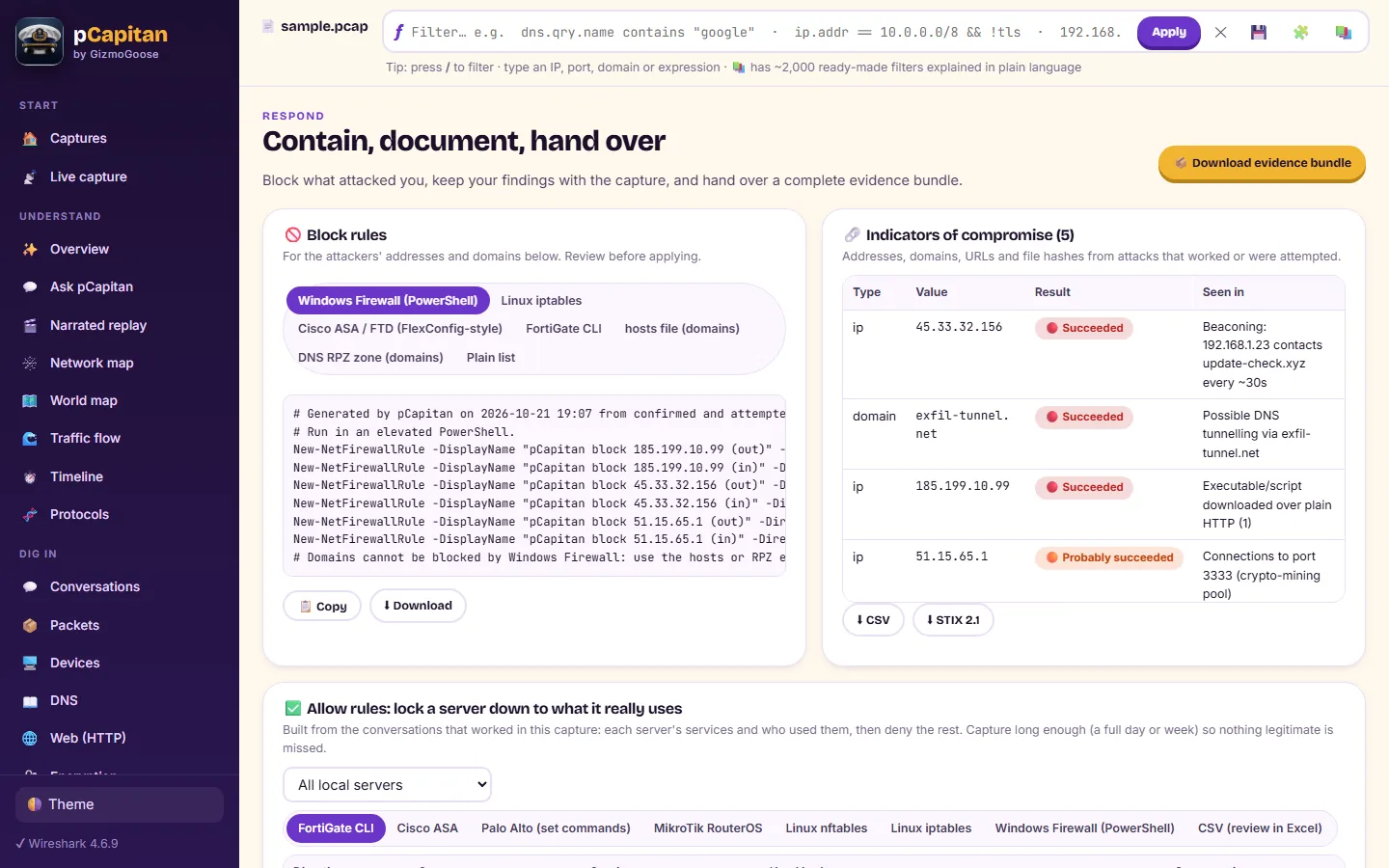
For an incident, pCapitan goes further. It tells you whether each attack worked, with the proof, and assembles the attacks into what happened: which device was hit first, where the attacker went next, and whether it was still going on. Then it helps you respond, with firewall rules, indicators and an evidence bundle.
It is made for security and network engineers, SOC analysts, incident responders, managed service providers and IT teams, and for teachers and students who want to see what really happens on a network.
New in version 1.4.1: pCapitan’s own deep packet inspection engine and the Applications view; hidden-payload decoding; jitter-resistant command-channel scoring; the behaviour inside encrypted remote sessions; industrial control alerts; call playback; an e-mail inbox and picture gallery; operating-system identification; an asset inventory spreadsheet; metrics over time; and your own applications by name. The user guide explains every screen, and the help center has quick how-tos.
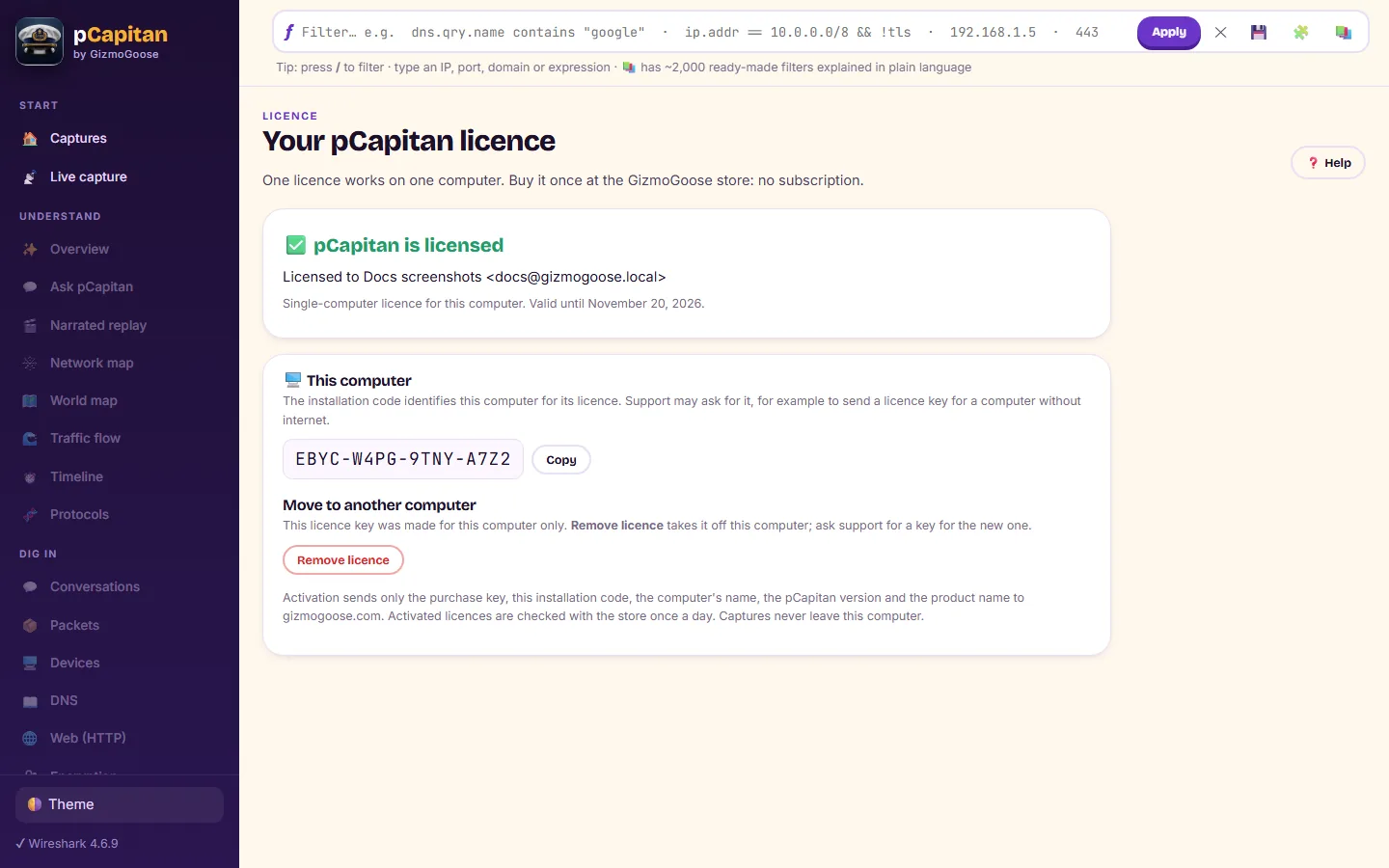
Try every feature free for 14 days. Reports made during the trial carry a small trial line. One purchase key unlocks pCapitan on your computer, and you can move it to a new computer yourself, even offline. pCapitan Admiral is a separate app with its own licence: a pCapitan key does not unlock Admiral, and an Admiral key does not unlock pCapitan.
Requirements: Windows 10 or 11 (64-bit), or Linux (Ubuntu 22.04 or later for the .deb; any distribution with glibc 2.31 or later for the AppImage). Live capture and the full protocol dissection use free, open-source capture components; the user guide shows how to add them in a minute.
pCapitan in pictures
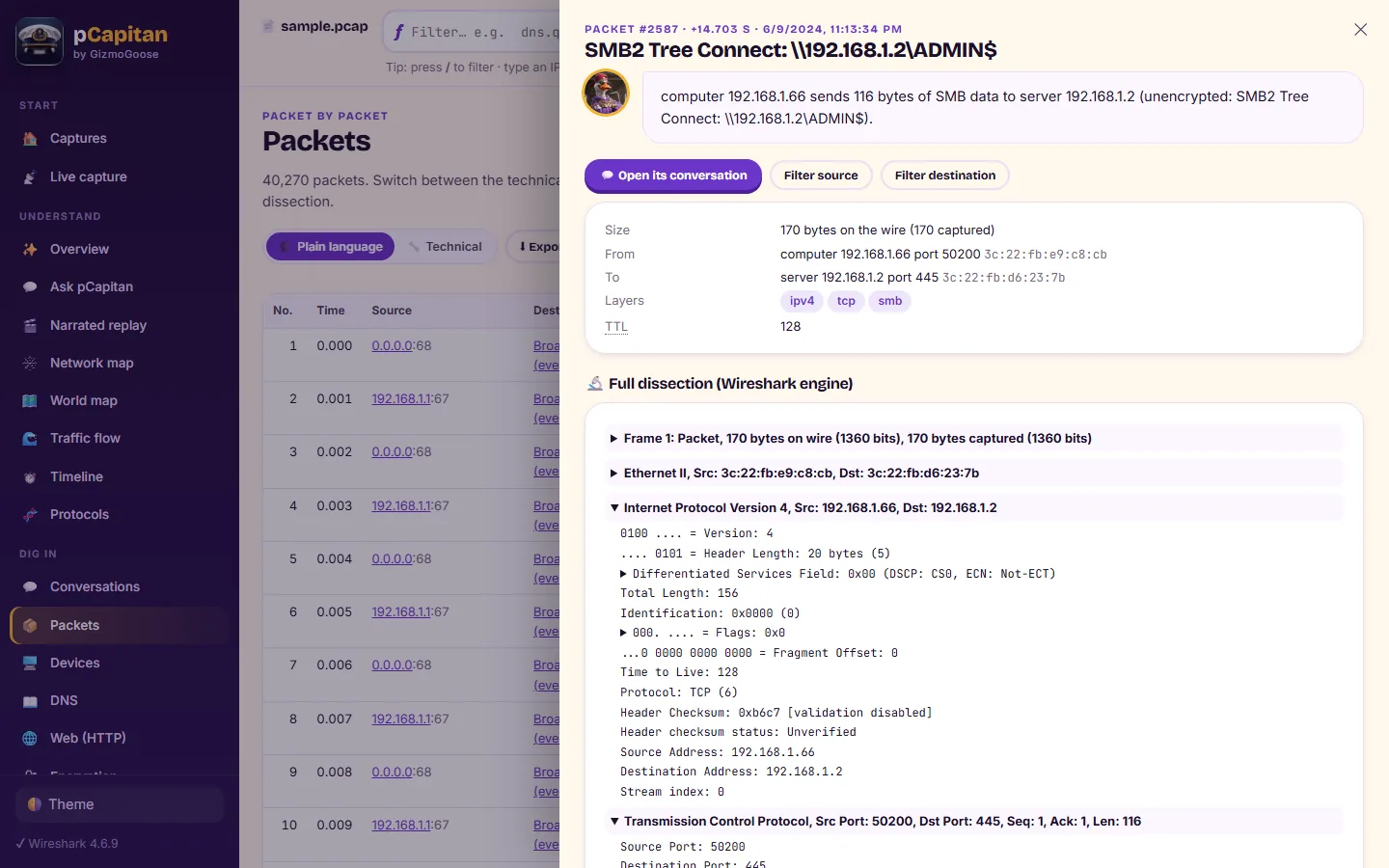
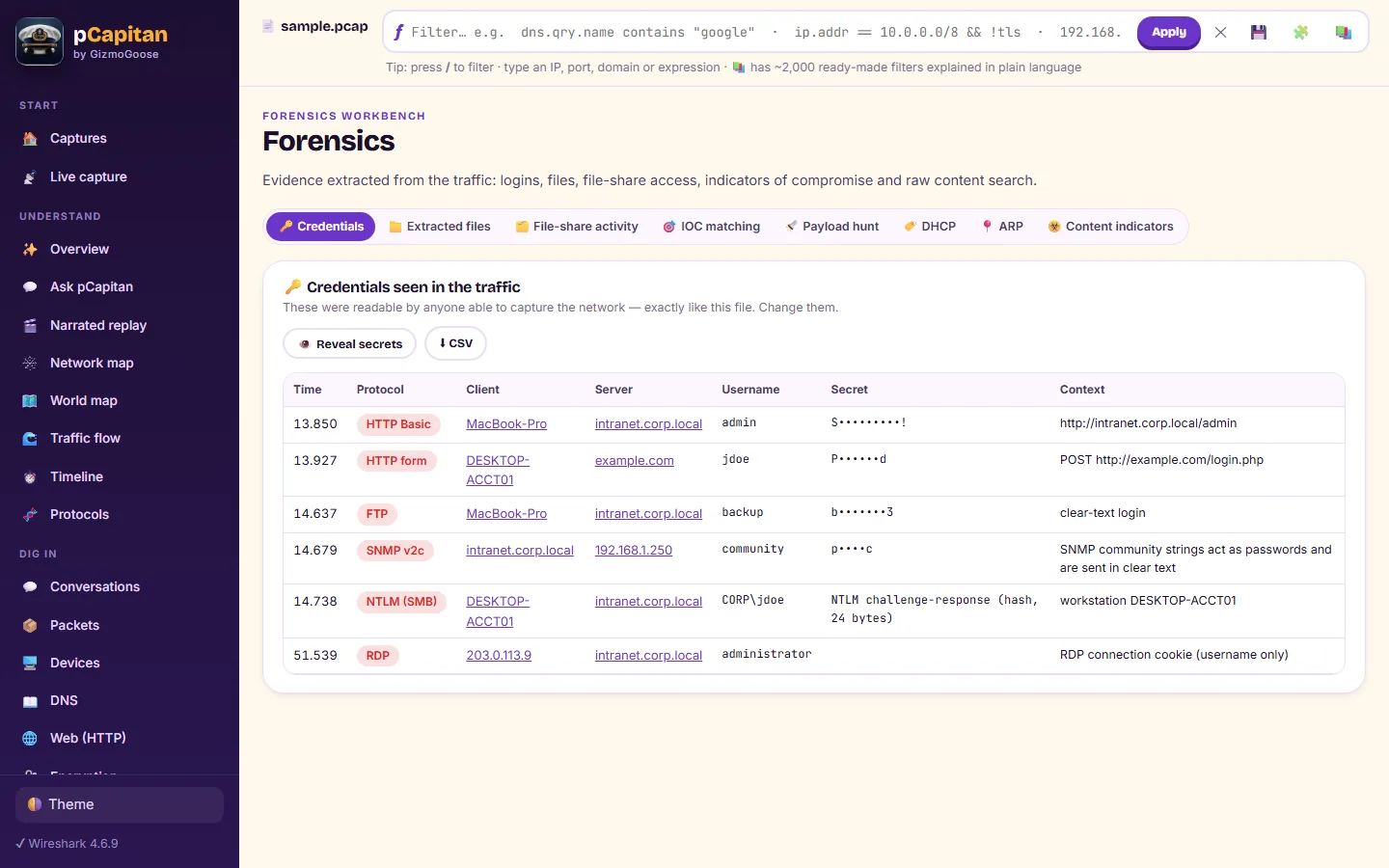
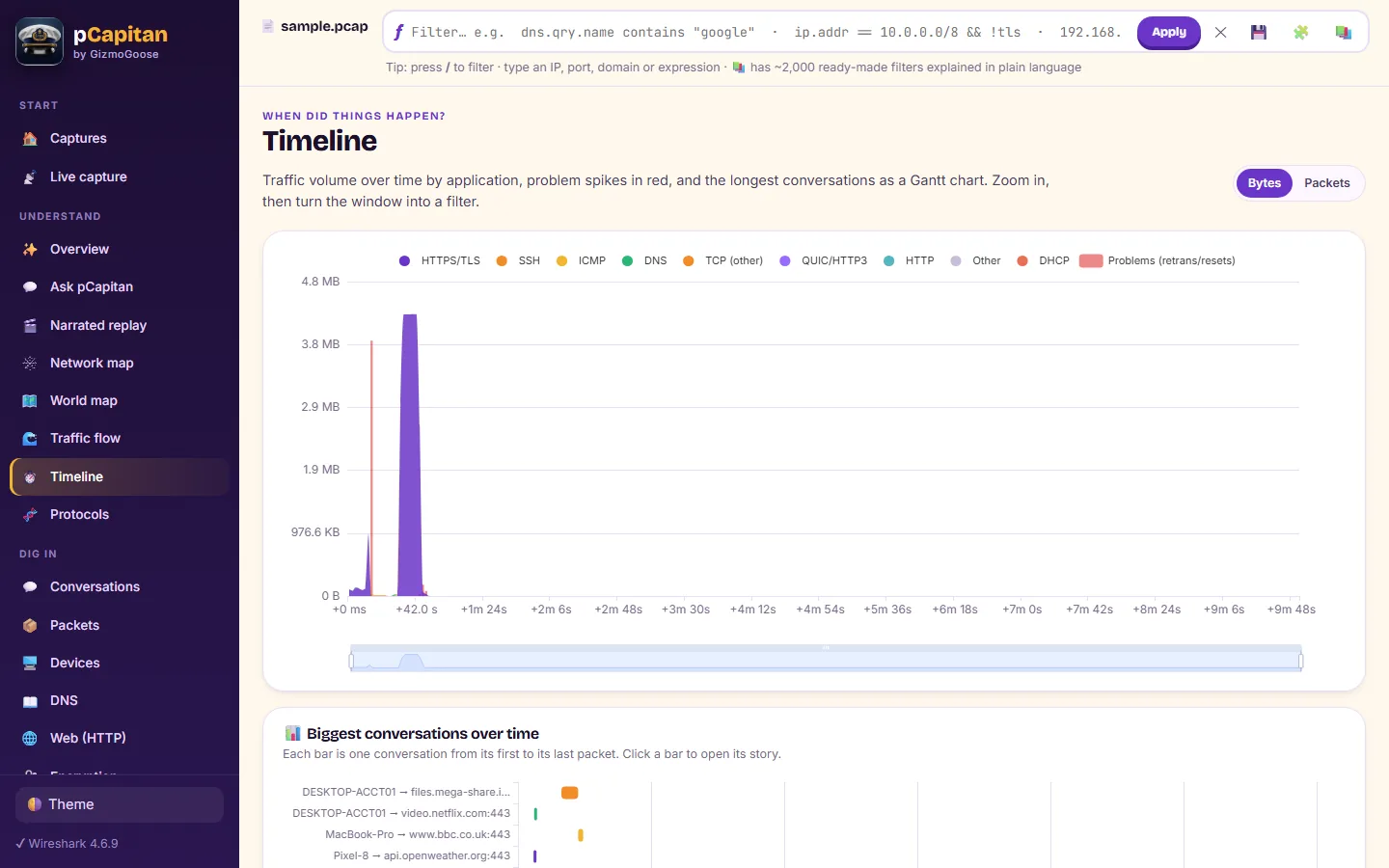
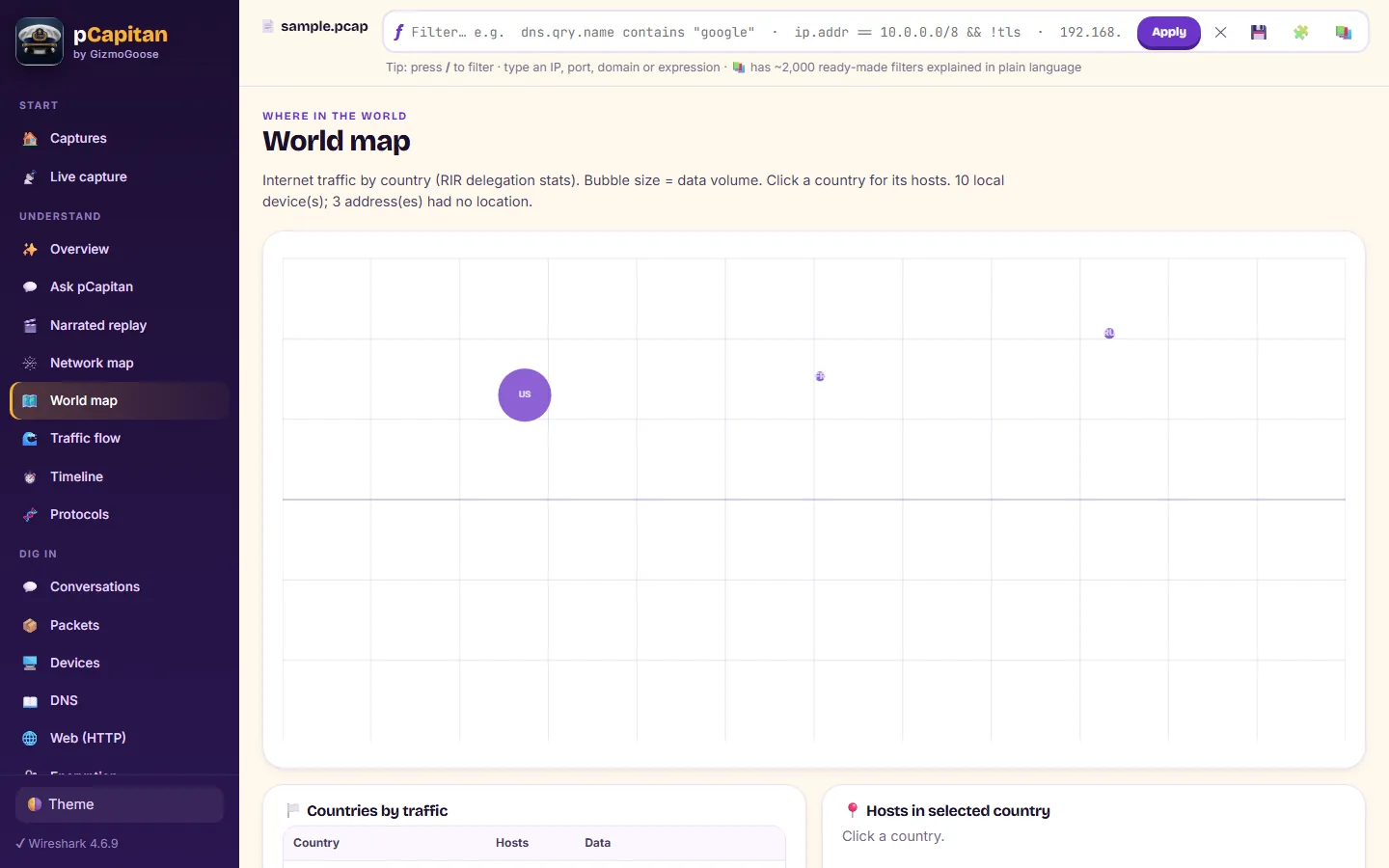
What it does
- A built-in deep packet inspection engine identifies about 1,400 applications, even inside encrypted traffic, and shows the evidence behind every name
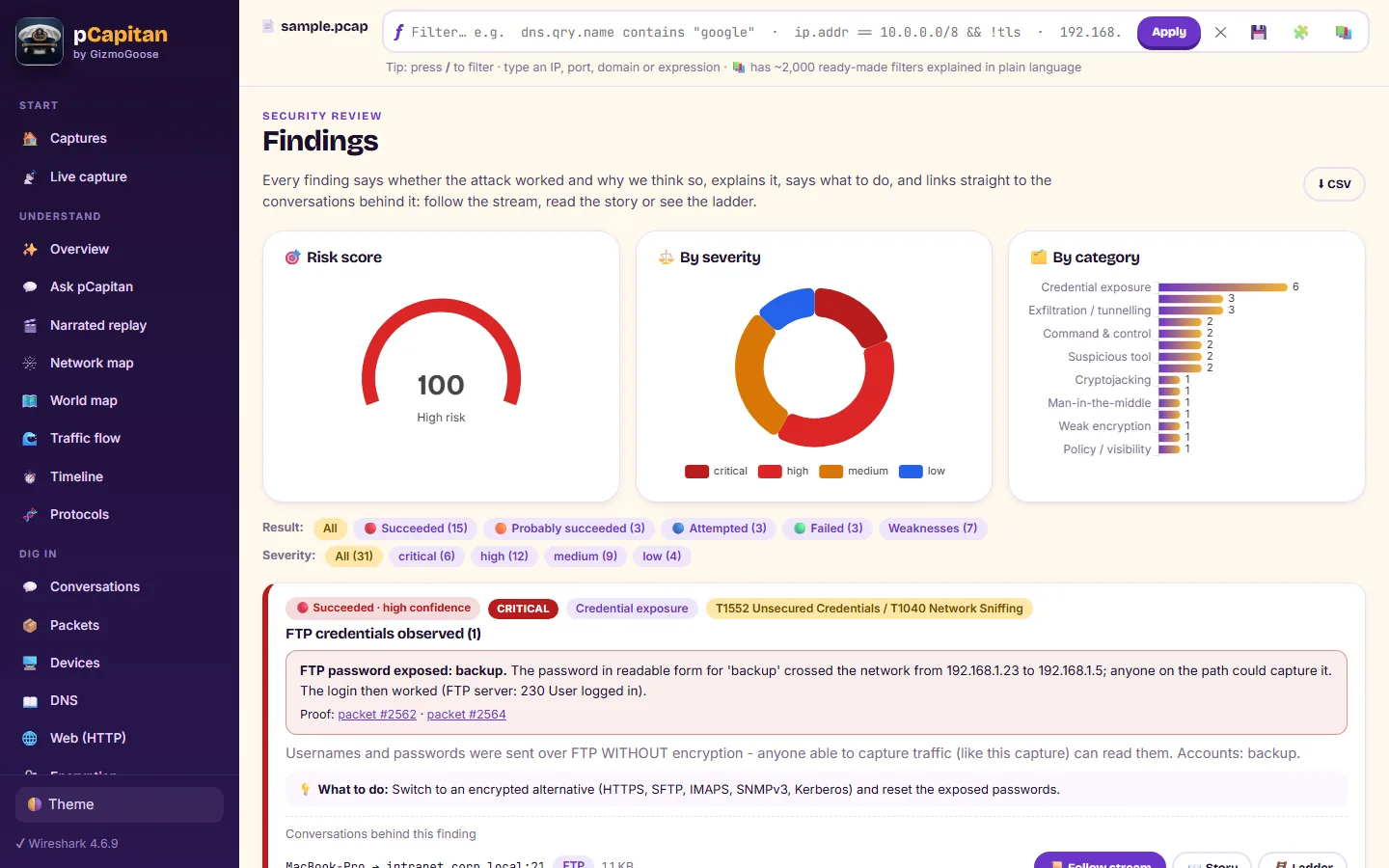
- Every attack judged: succeeded, attempted or failed, with the proof packets, patient zero and how far it spread
- More than 100 detectors, from hidden payloads and jitter-masked command channels to industrial control commands
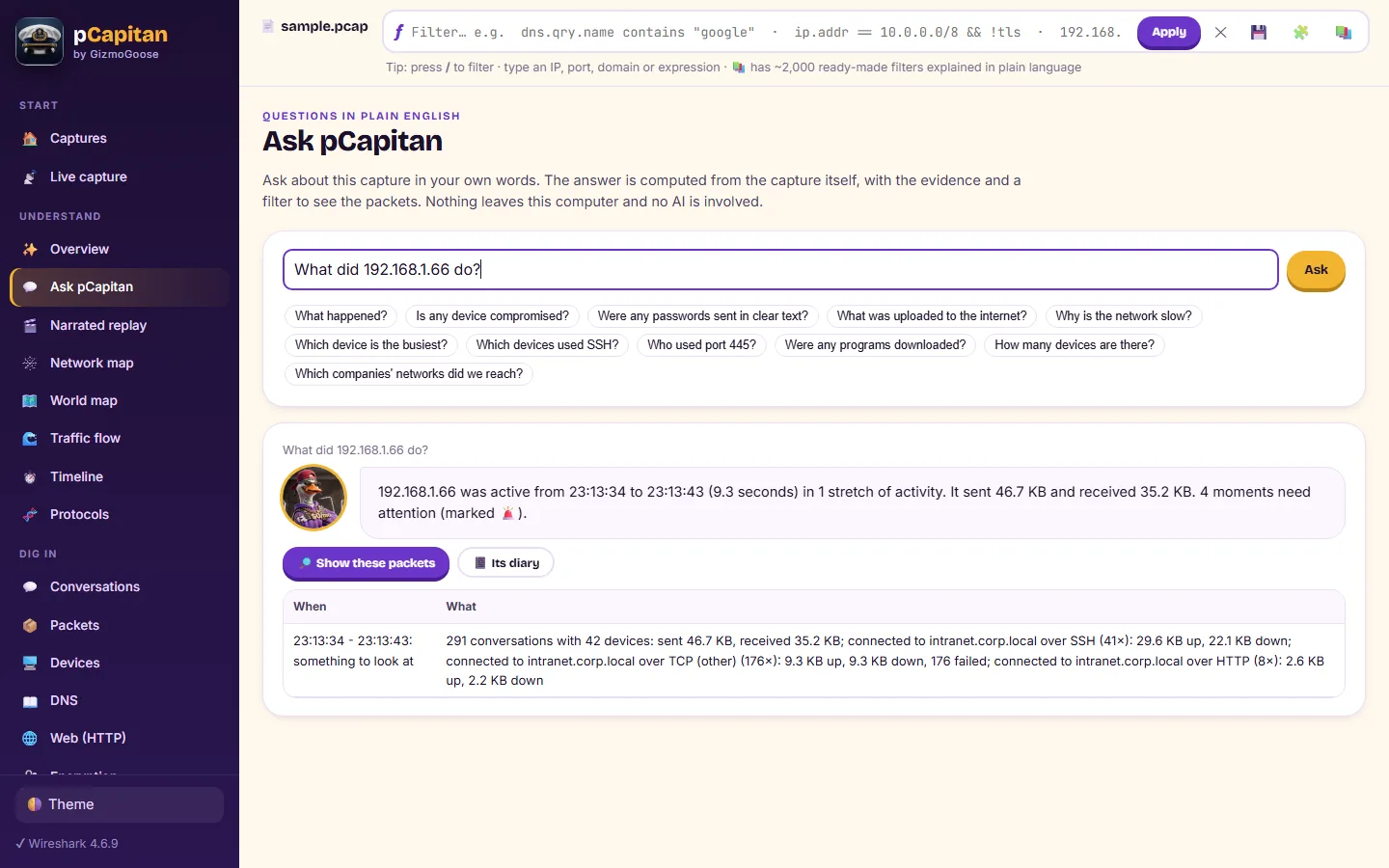
- Type a question in plain words and get the answer worked out from the capture by fixed rules, with the evidence
- Destinations, the route to every server, VoIP quality and call playback, an e-mail inbox and picture gallery from the traffic
- Reports, an asset inventory spreadsheet, firewall rules and an evidence bundle, ready for the people who need them
- Runs entirely on your own computer; multi-gigabyte captures are analysed in place
Every feature
Deep packet inspection, built in
- A purpose-built engine recognises about 1,400 applications: collaboration, streaming, cloud storage, remote access, VPNs, gaming, updates and more
- Five layers of evidence, strongest first: the protocol in the first bytes on any port, the encrypted handshake, the DNS look-ups that came before, characteristic ports and networks
- Every application is shown with why pCapitan named it, how sure it is, its category and its risk; what cannot be proven stays unnamed
- Protocols hidden on another port are exposed: a remote shell on the web port, a VPN on the mail port, a proxy where none should be
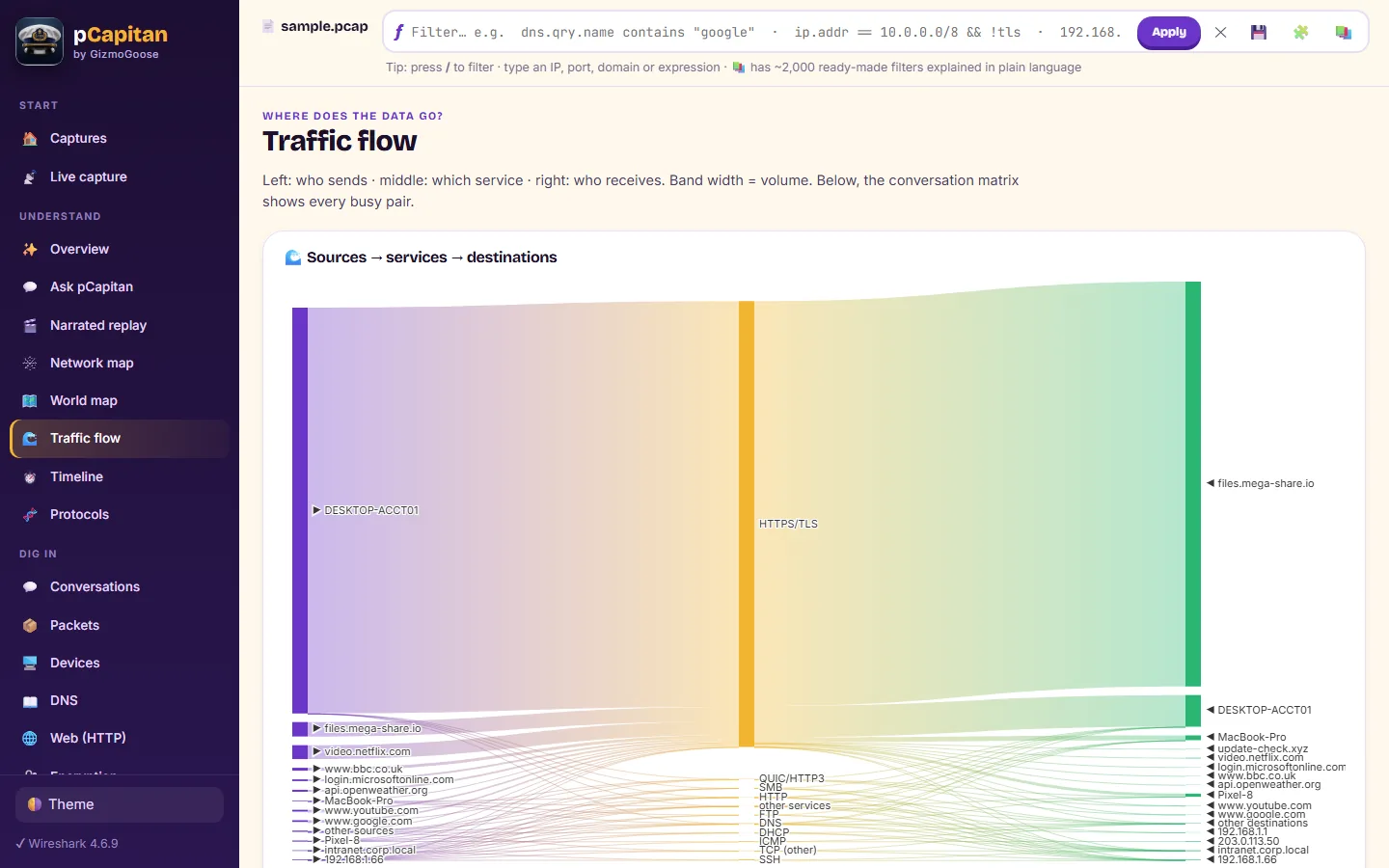
- Per device, which applications went where, with sessions and volume, in a device → application → destination diagram, and one click to the packets
- Name your company's own systems in a simple file, and they appear by name on the map, in conversations and in reports
Every attack, judged with evidence
- The incident in plain language, every step in order from reconnaissance to data theft
- For each attack, whether it succeeded, probably succeeded, was only attempted or failed, and why
- Patient zero, how far the attack spread, a verdict for every device, and whether it was still going on
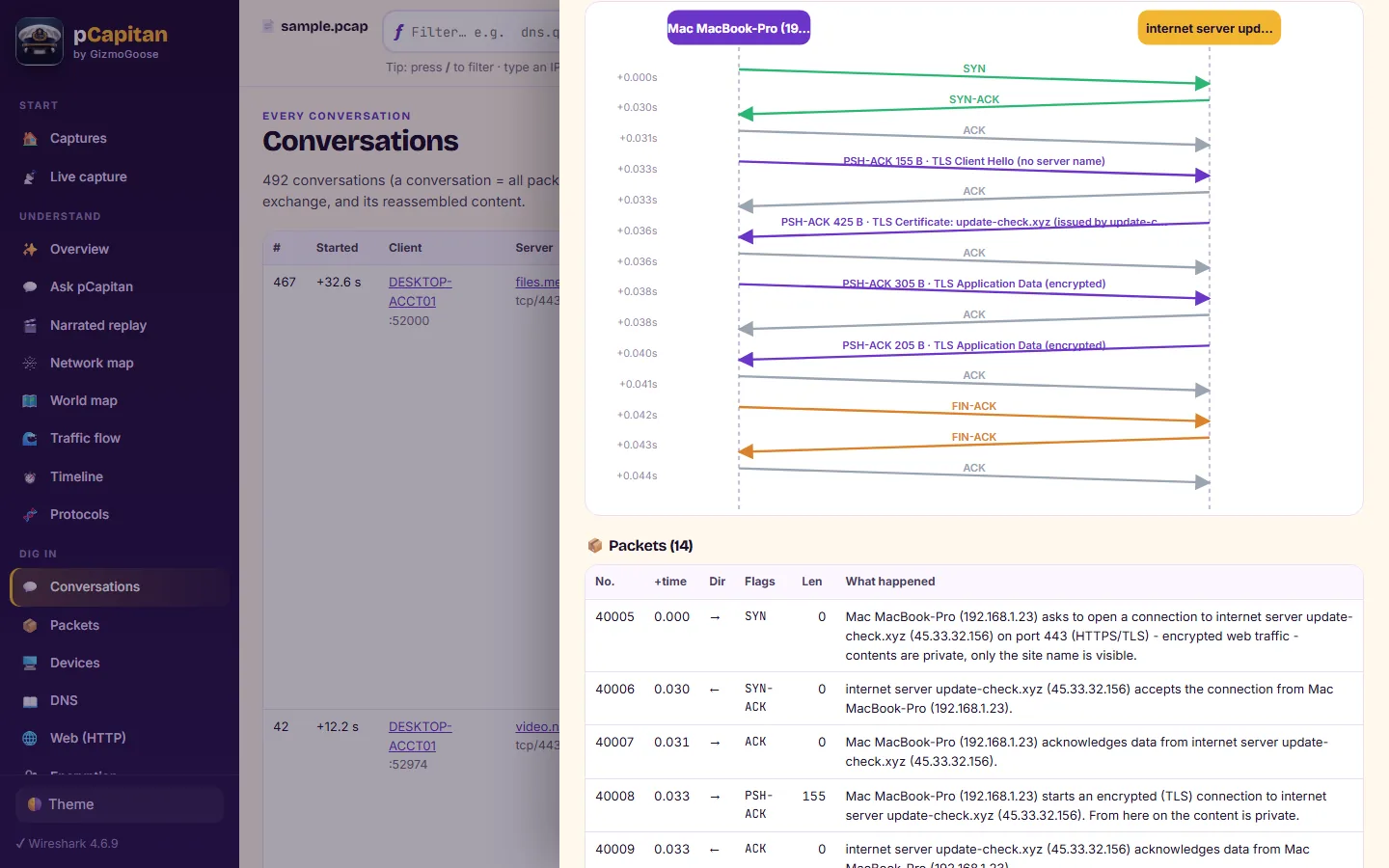
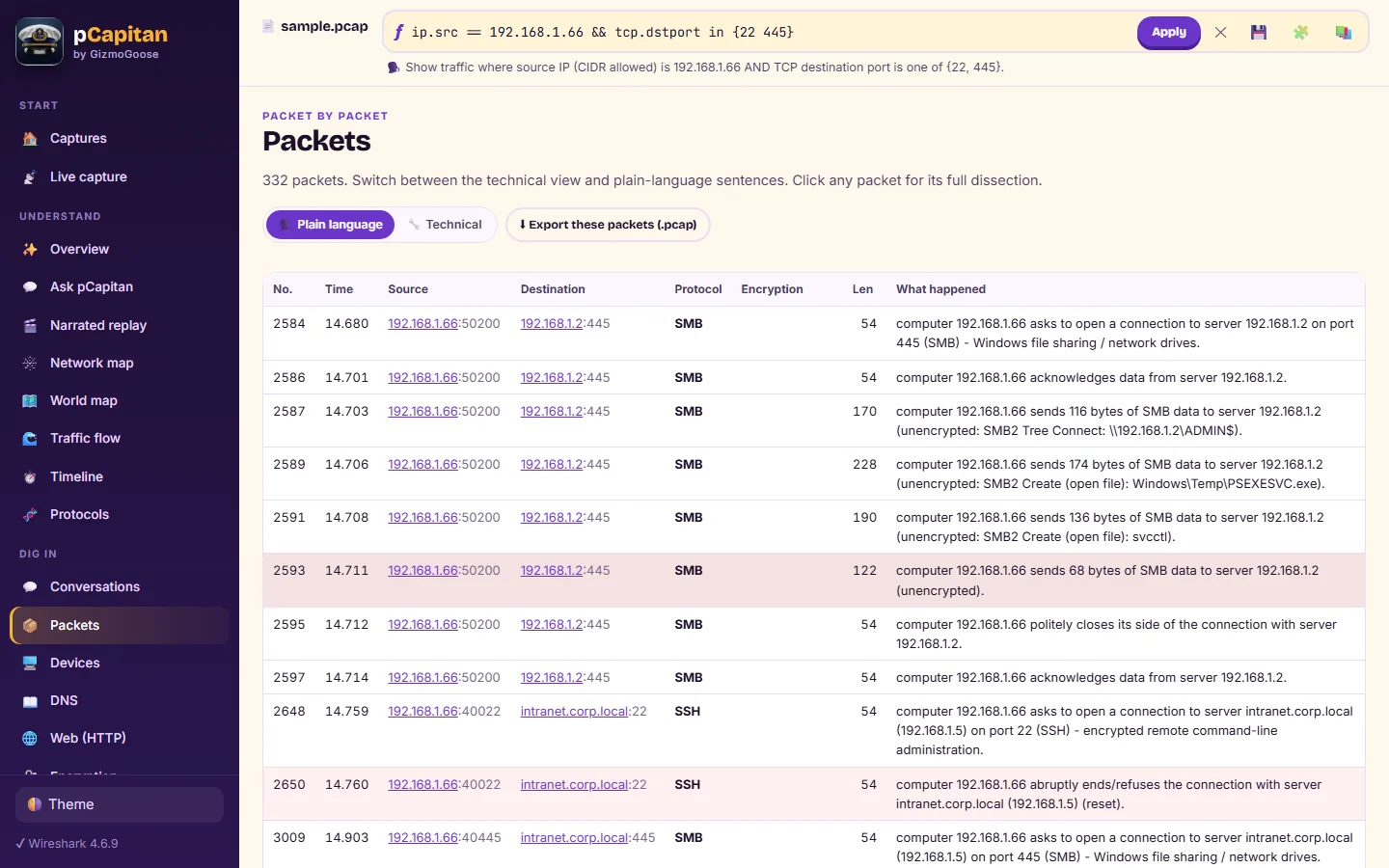
- The proof packets, the reassembled conversation and a step-by-step story behind every finding
- A report that opens with what matters and closes with an action plan for now, today and this week
Detection that sees what hides
- More than 100 detectors, each with an explanation, a recommendation and its MITRE ATT&CK technique
- Hidden payloads decoded layer by layer: encoded scripts and commands, compressed and XOR-masked data, programs smuggled inside text
- Command-and-control check-ins scored from 0 to 100%, so random jitter added to hide does not help; data tunnelled through DNS is reassembled and shown
- Remote-control software, anonymising networks, exposure tunnels, peer-to-peer sharing, crypto-mining and uploads to file-drop services
- Encrypted remote sessions read from their rhythm alone: a person typing, a file being copied, or a program at work
- Industrial control networks: commands that stop, restart or reprogram a controller, and value changes from an unexpected station
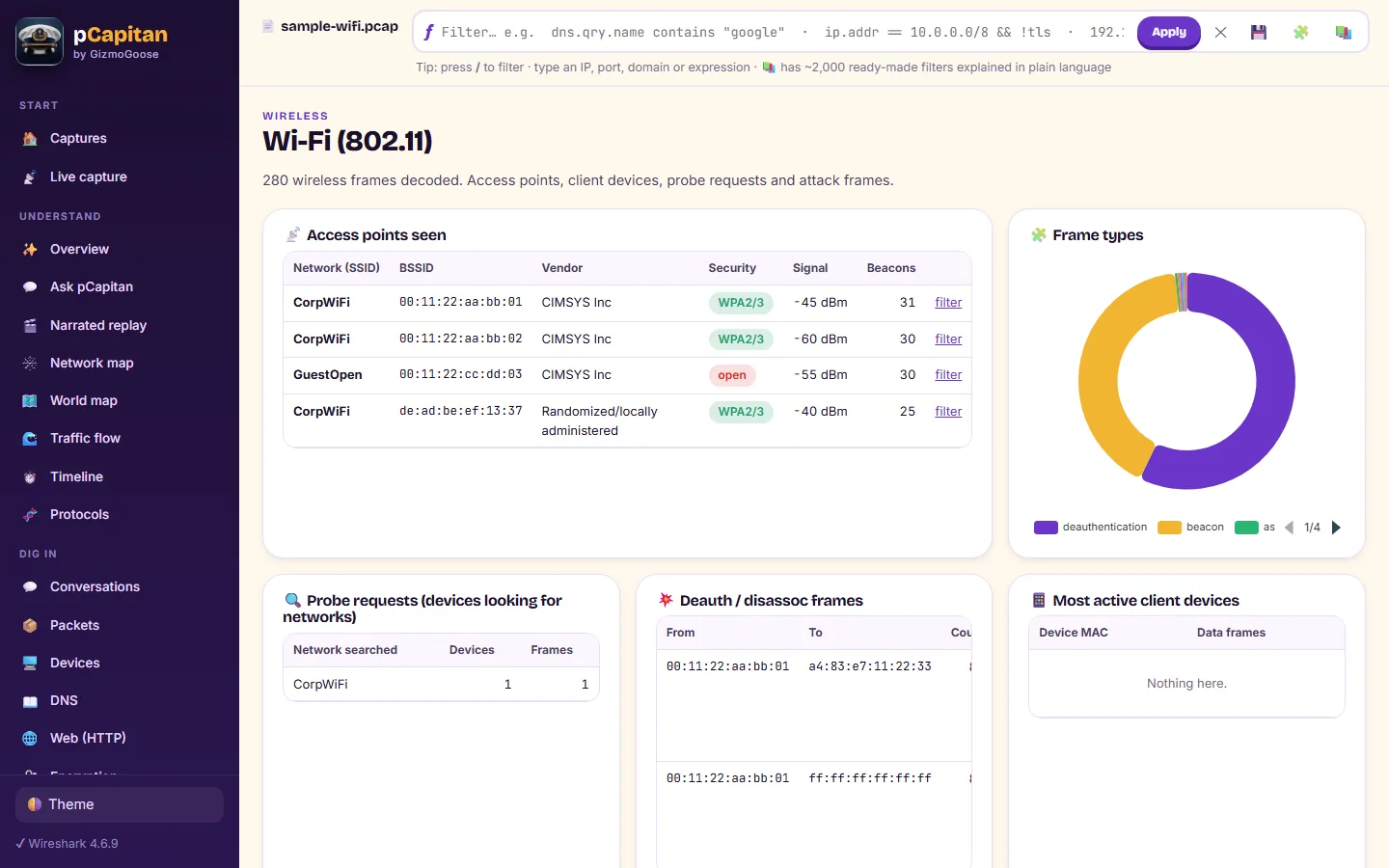
- Active Directory attacks, credential guessing, exploitation of well-known flaws, man-in-the-middle and wireless attacks
Answers in plain English
- Type a question in your own words; fixed rules answer it from the capture, with its evidence and a filter to the packets
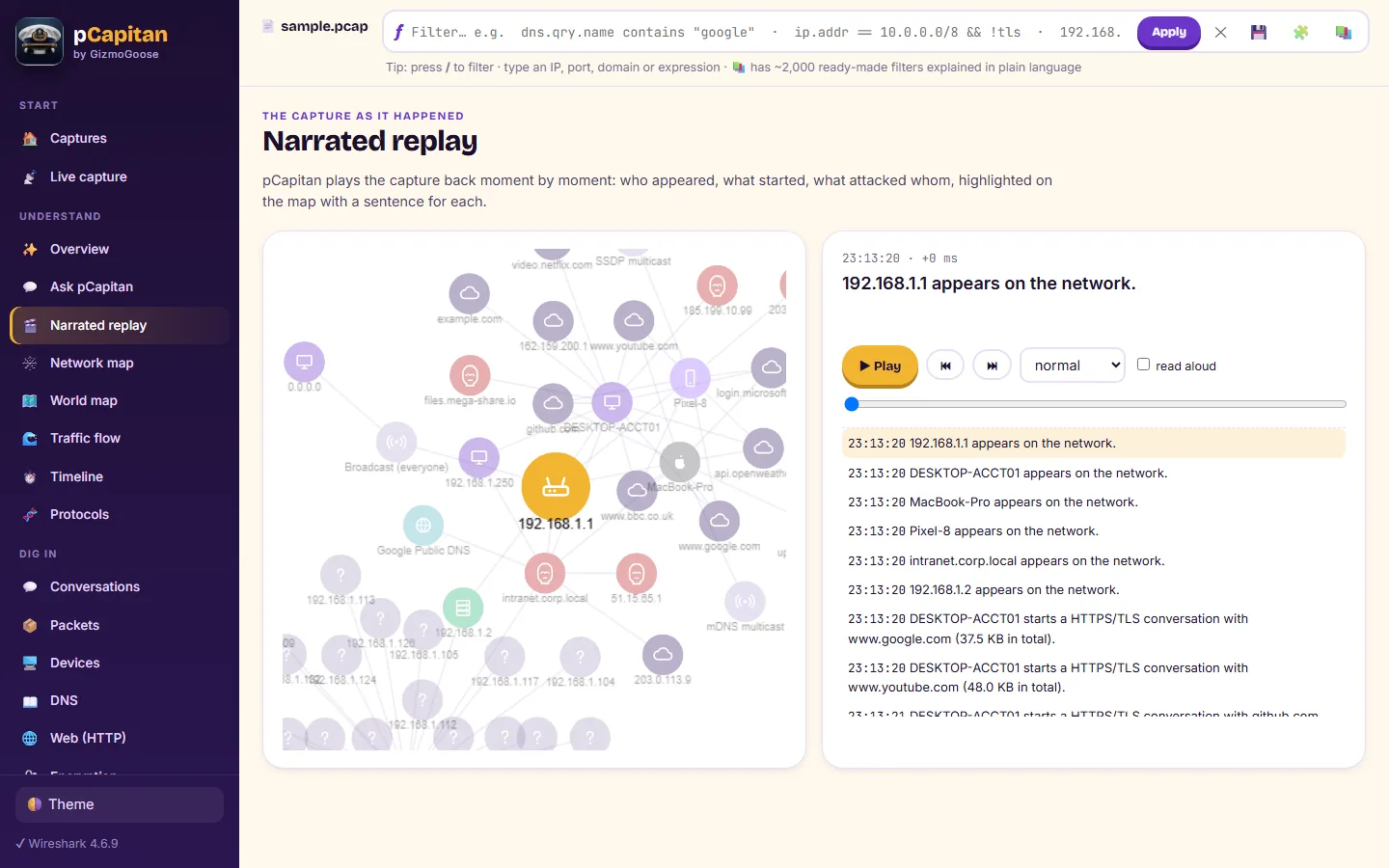
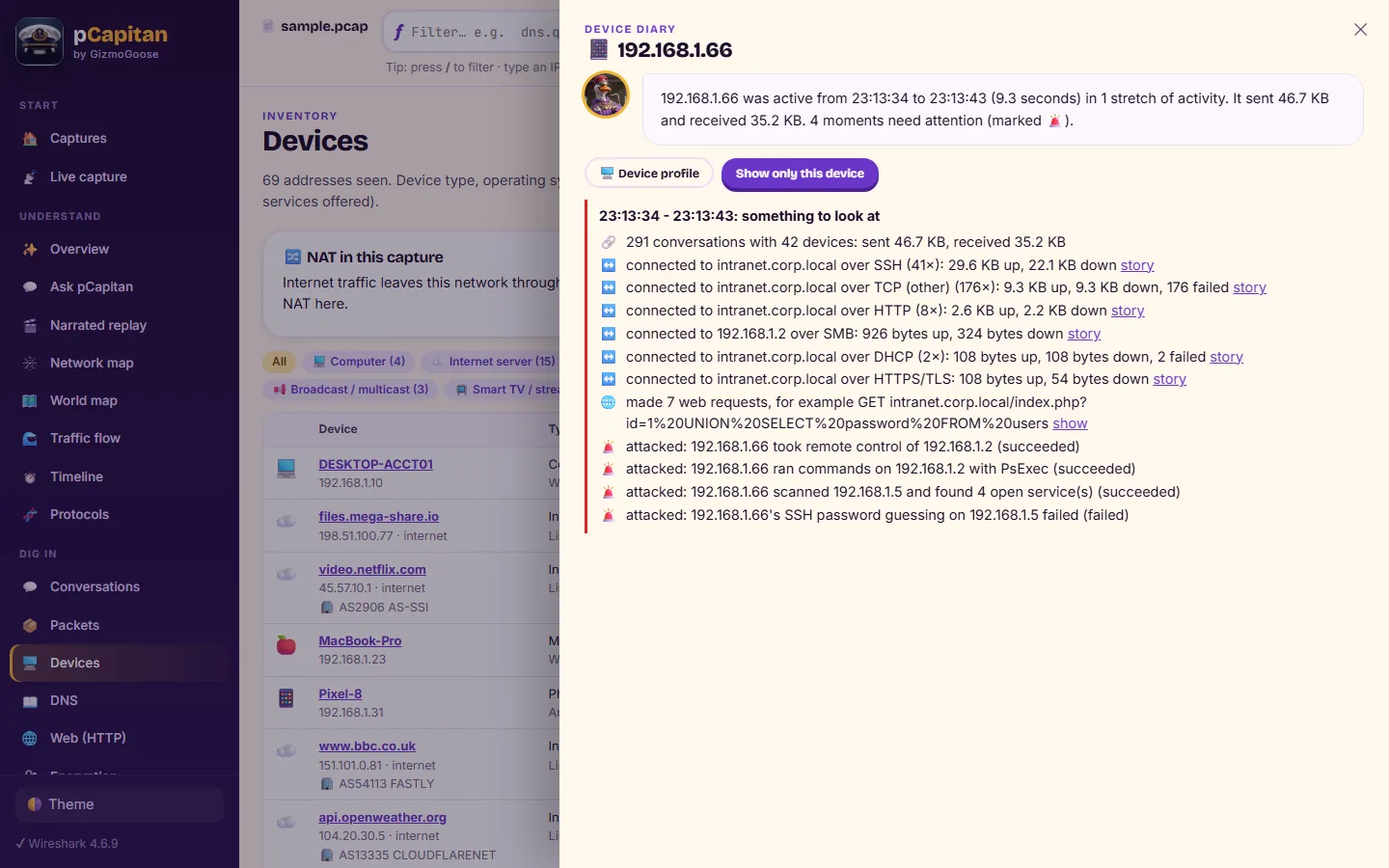
- A diary for every device, and a narrated replay of the capture on the network map
- Worked out from the capture's own measurements with fixed rules; the same capture always gives the same answer, and nothing leaves your computer
Who and what is on the network
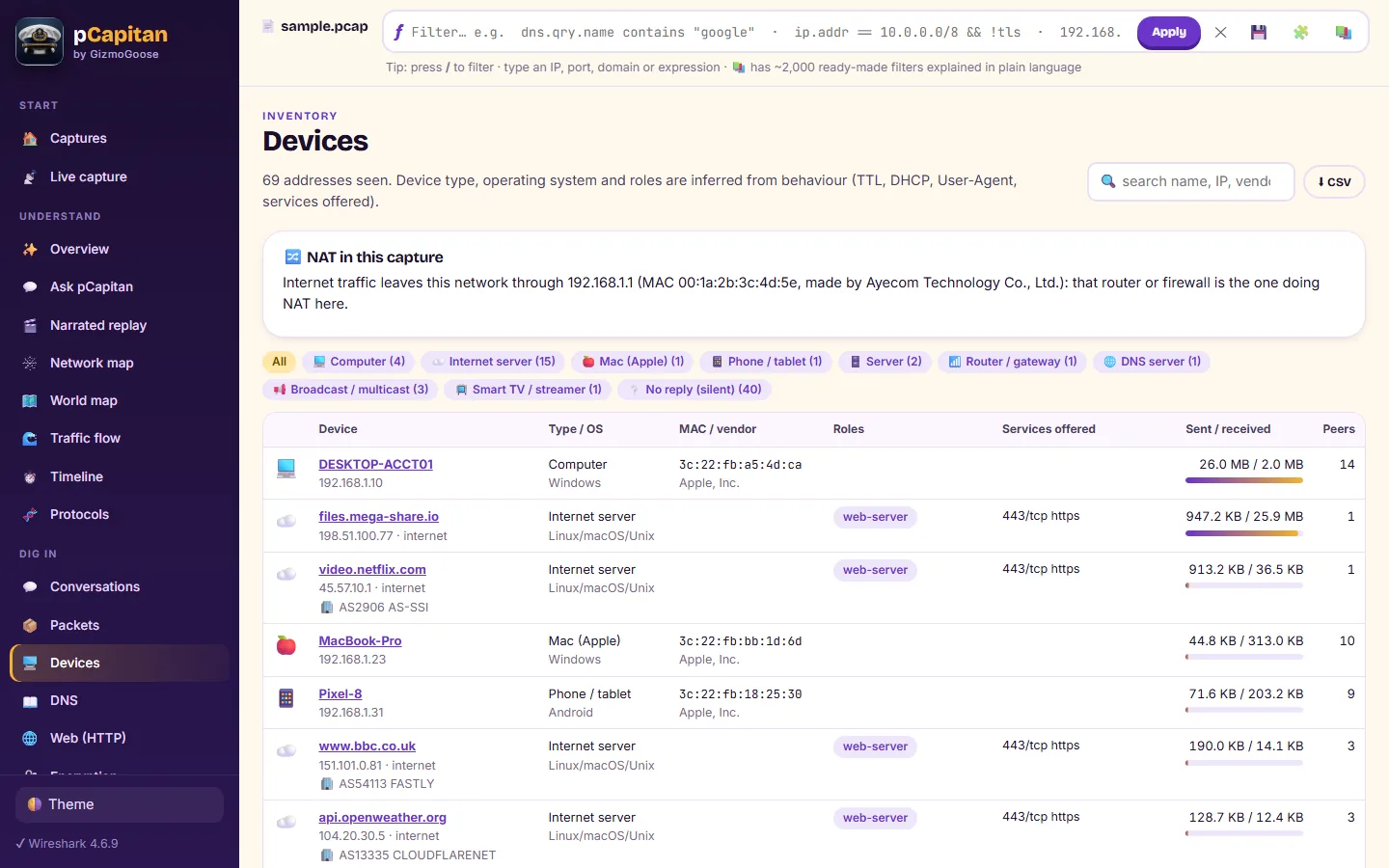
- Devices identified from what they announce about themselves, and named only when the evidence proves it
- The operating system read from how a device opens connections and asks for its address, with the evidence shown
- The program behind each connection, from its fingerprint or from the capture itself when it was recorded
- The real client behind a proxy or firewall, the NAT type, and every address described with the network that owns it
- Destinations: the service, company and delivery network behind every address, and which traffic stayed inside your internet provider
- An asset inventory spreadsheet of every device, ready for audits and compliance
Performance and calls
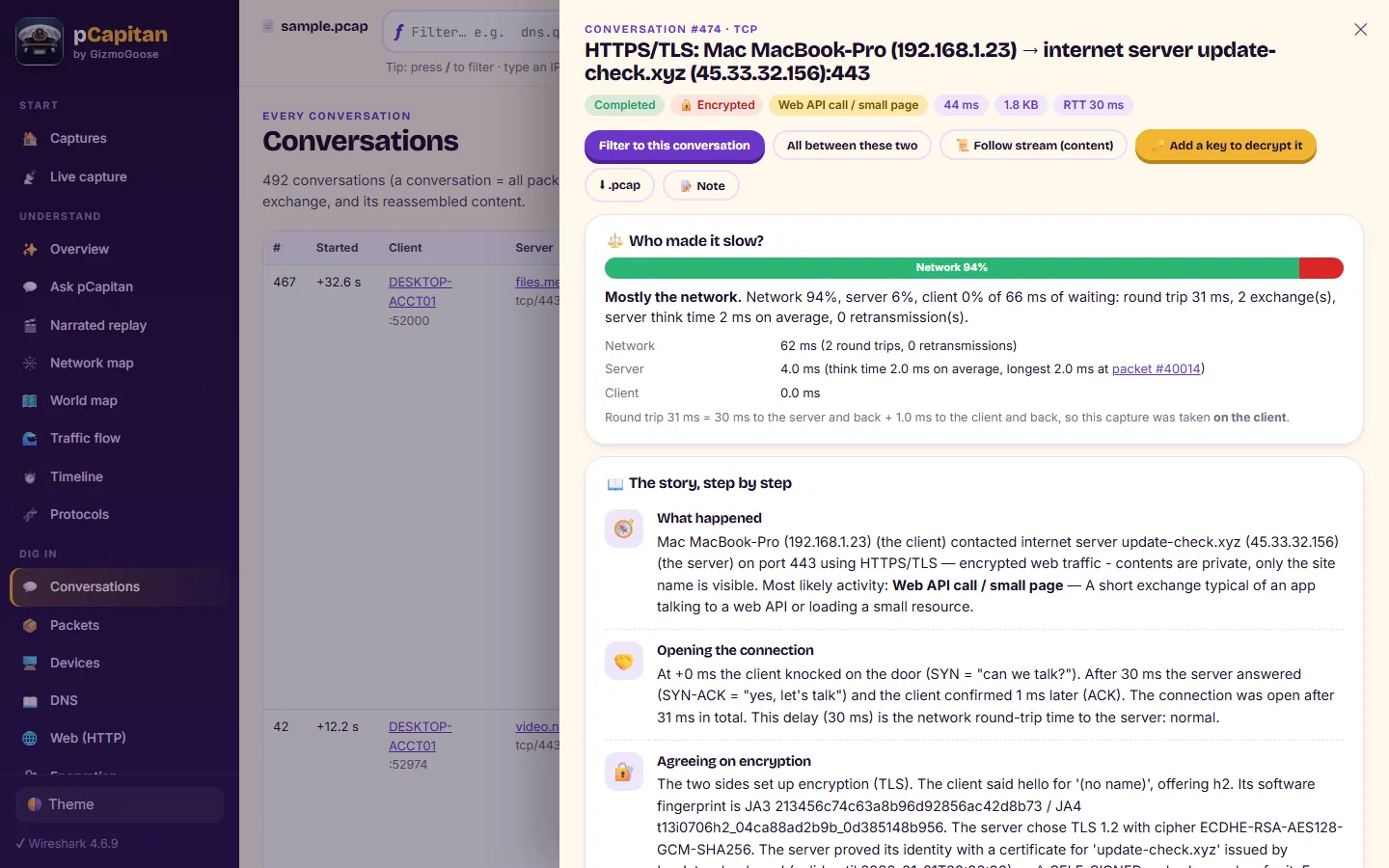
- Who made it slow: the waiting split between the network, the server and the client
- The route to any server, hop by hop, with the delay of each hop and where congestion begins
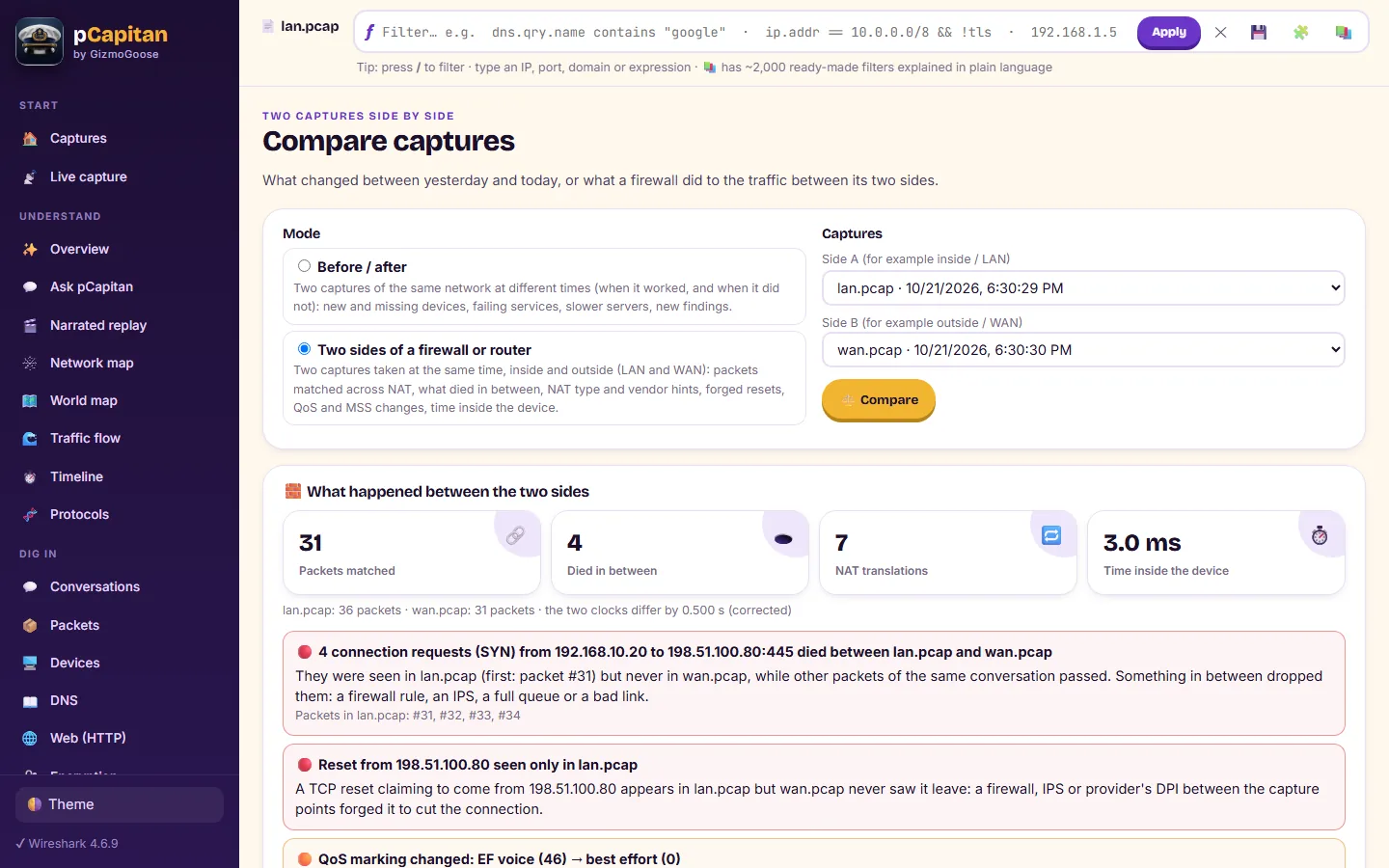
- Compare two captures, before and after a change or on both sides of a firewall
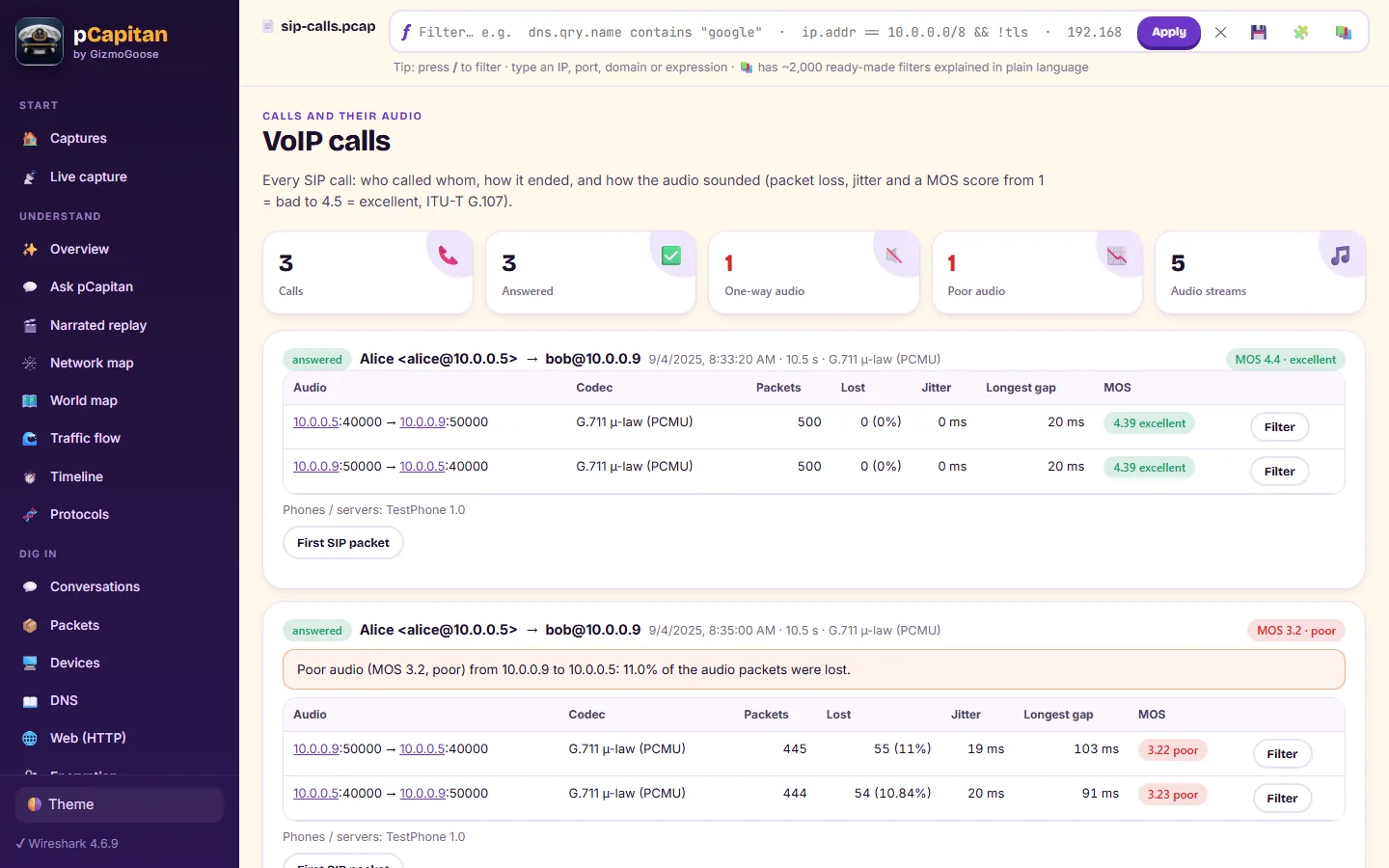
- VoIP calls with their quality score, jitter and loss, one-way audio explained, and standard office calls played back or saved as audio
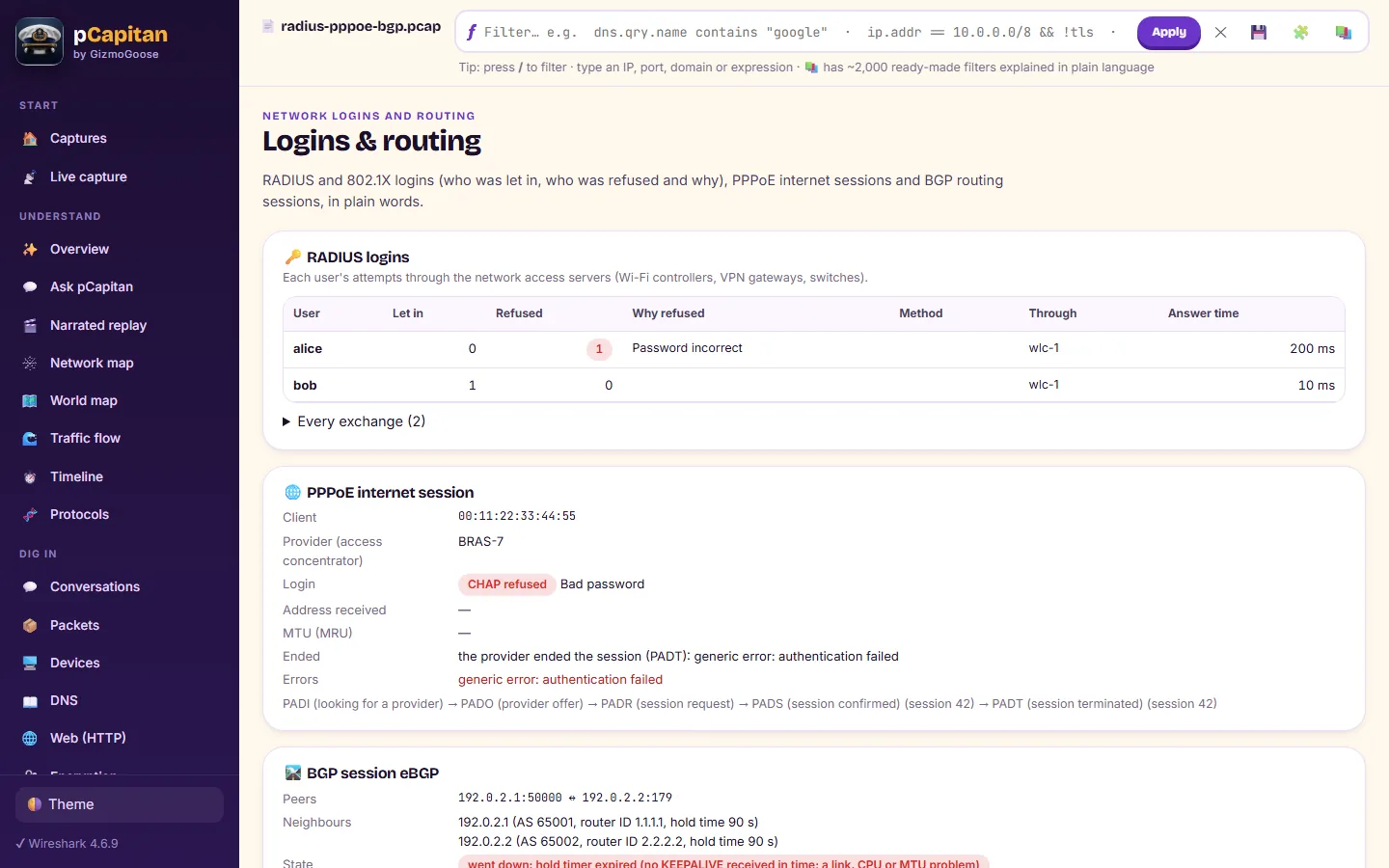
- Logins, wireless authentication, broadband sessions and routing neighbours explained in plain words
Decrypt and investigate
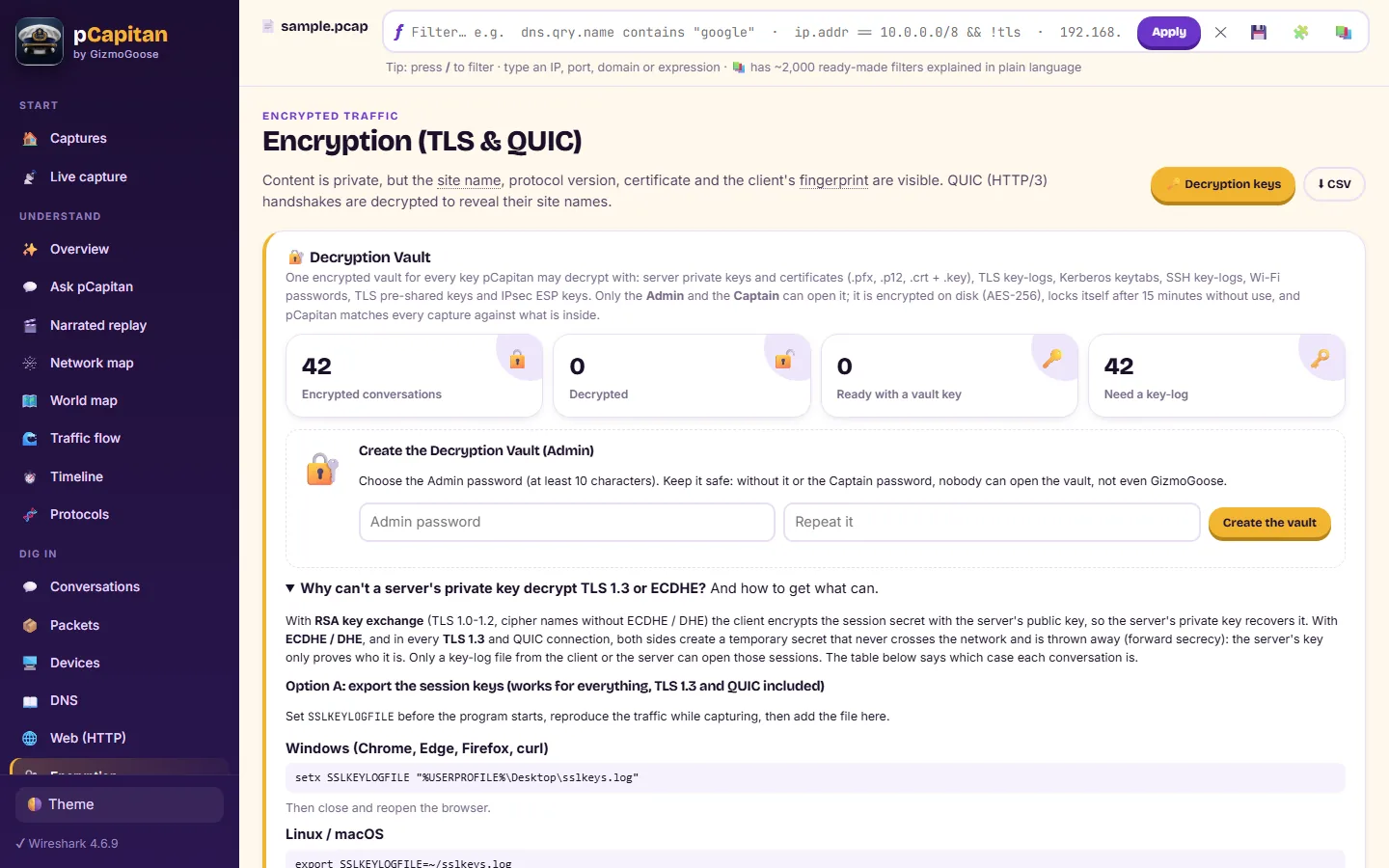
- A Decryption Vault for every key type: certificates with their private keys, key-log files, Kerberos and Wi-Fi keys
- Credentials, transferred files with their fingerprints, file-share activity and indicator matching
- An inbox of the e-mails and a gallery of the pictures found in the traffic, opened safely
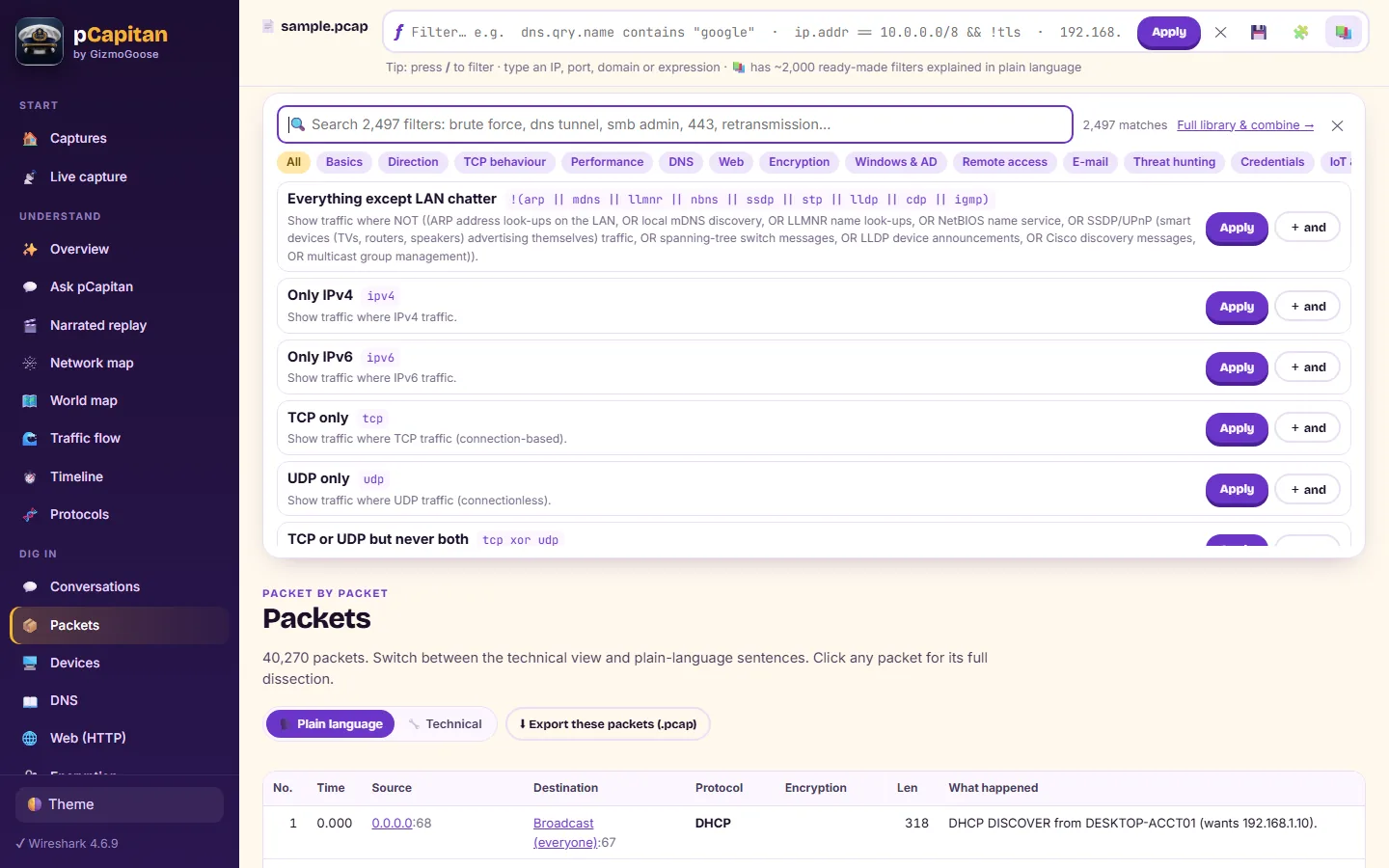
- Payload search across every packet, and a professional display-filter language translated into plain English as you type, with 2,497 ready-made filters
Threat intelligence, offline
- Intrusion-detection rules in the industry-standard format, matched against every payload
- One-click open threat-intelligence feeds, malware fingerprints and pattern rules, all checked offline
- Import the rule archives and application detectors you download with your own subscriptions
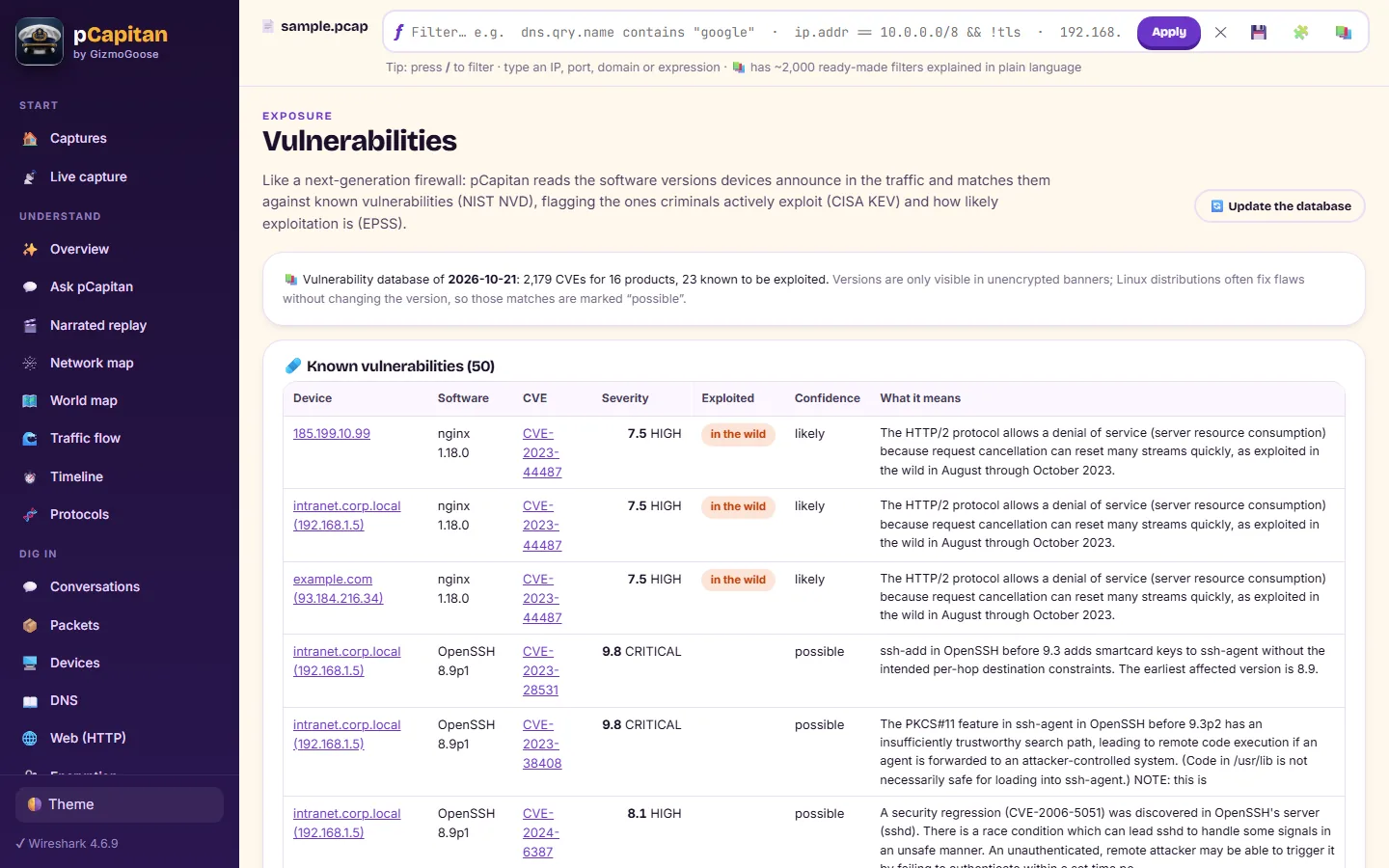
- Known vulnerabilities matched to the software your devices run, with those exploited in the wild flagged first
Share and respond
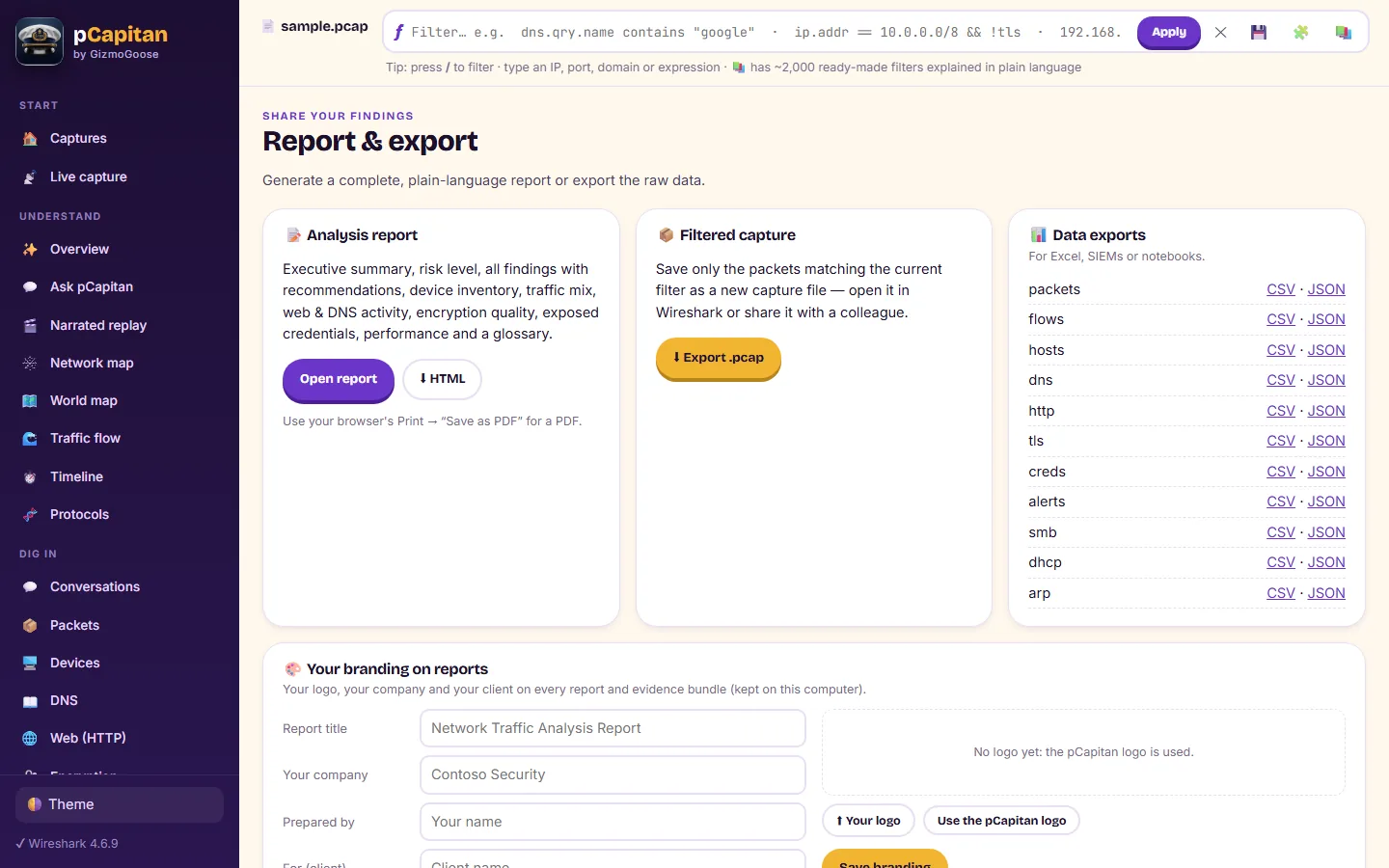
- Printable reports with your own logo, colours and footer
- Block and allow rules for the most common firewalls and resolvers, and indicators in standard formats
- An evidence bundle with a chain of custody, and a privacy-safe copy of a capture for outside support
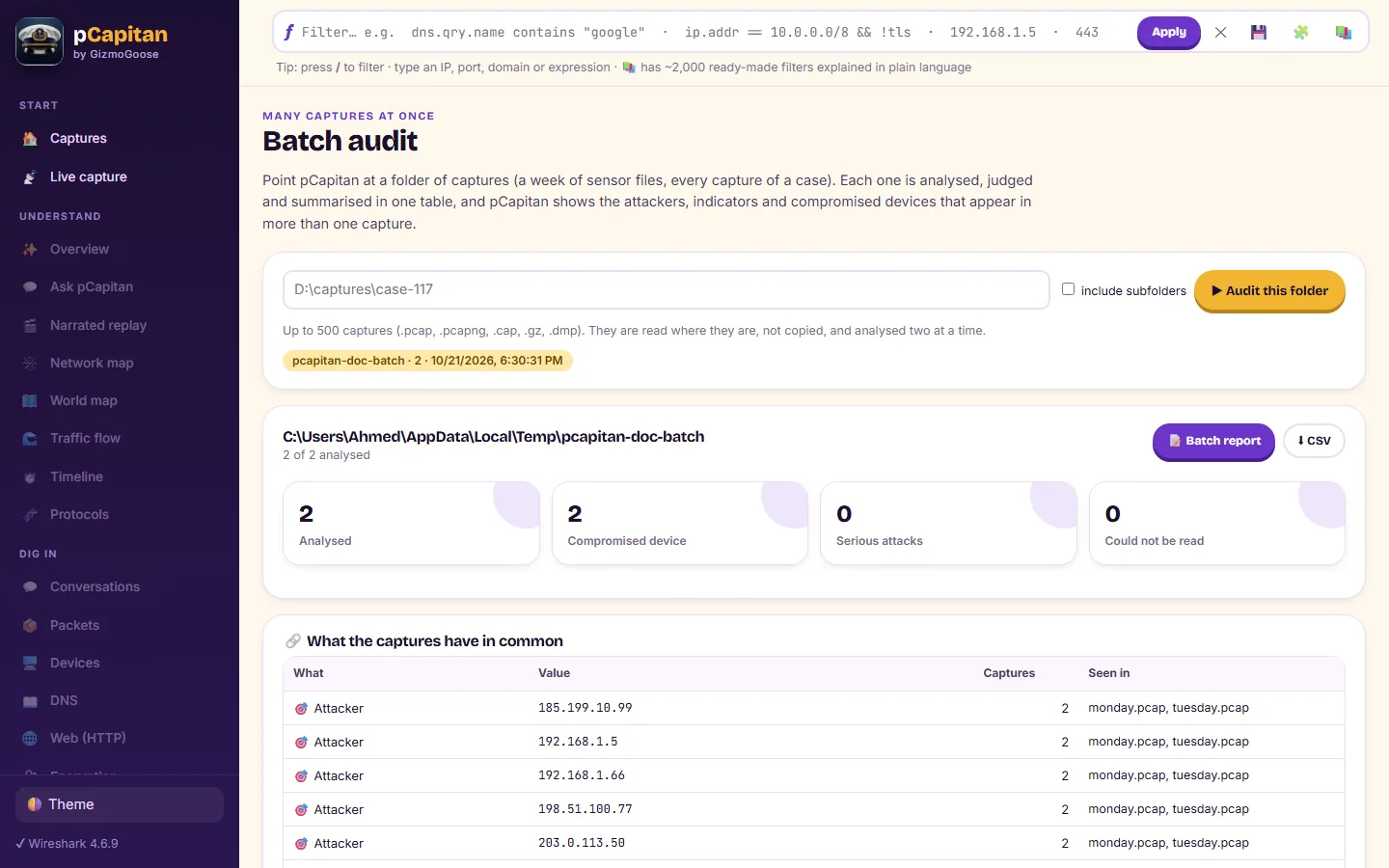
- Batch audit of a whole folder of captures, and metrics over time for your monitoring dashboards
Open any capture
- pcap, pcapng, compressed and network-monitor captures, damaged files recovered instead of rejected
- Multi-gigabyte files analysed in place; the main pages are prepared ahead and open at once
- Live capture from any network adapter or a remote Linux system, with alerts as they happen
Private and yours
- Runs on your own computer; captures are never uploaded
- It goes online only for the feeds you refresh, the update check (which you can switch off) and licence activation
- A 14-day free trial with every feature
- Pay once, no subscription; one computer at a time, and you move it yourself